
- Posts: 31
- Thank you received: 32
loading BMP in Micro-8
1 year 6 days ago - 1 year 6 days ago #23
by David
loading BMP in Micro-8 was created by David
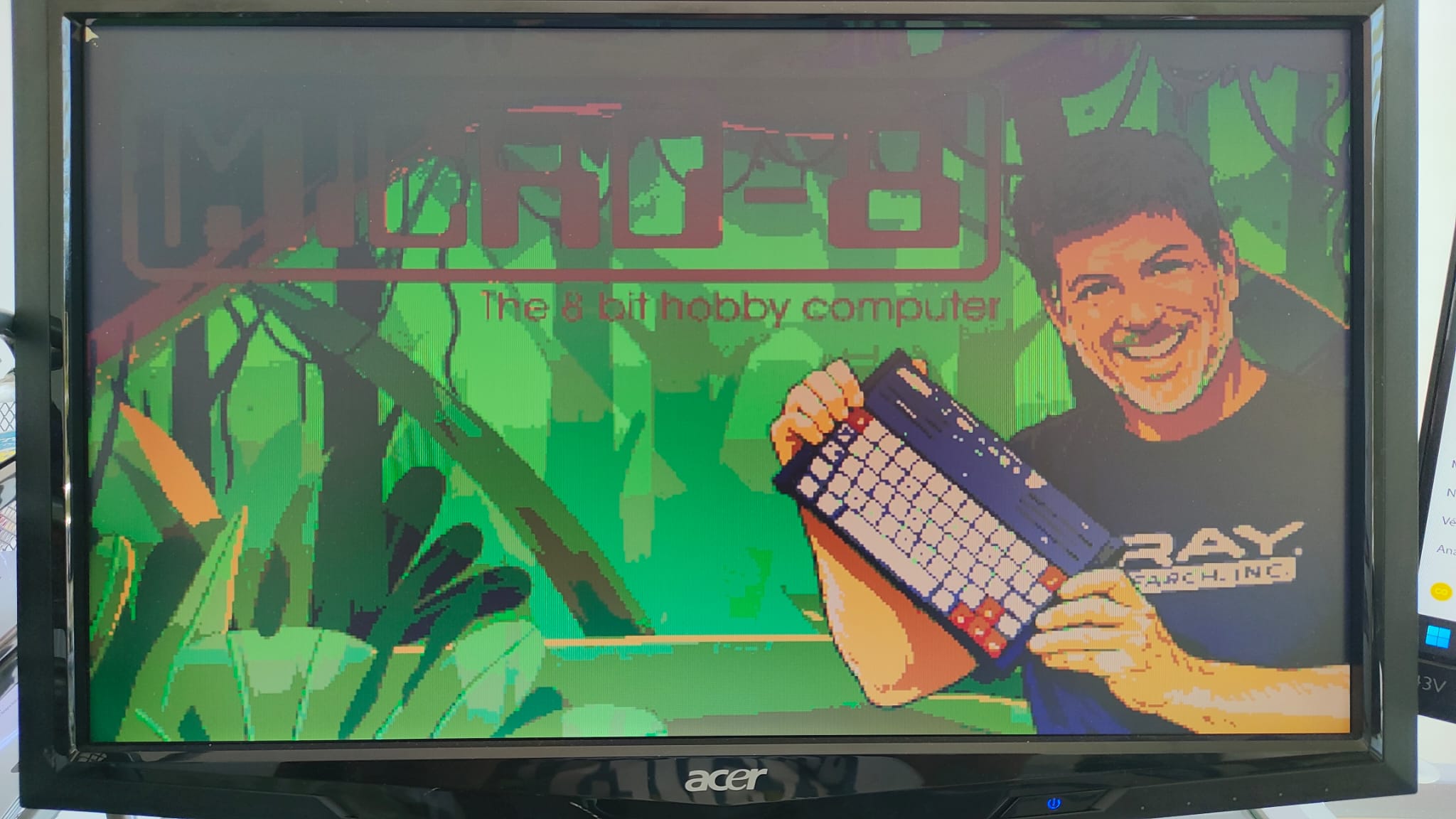
Here is a routine to read a BMP image directly on the Micro-8. Make sure the BMP file is max 16 colors, max 400x240 resolution.
Here is how to convert the image in the correct BMP format using GIMP.
Here is how to convert the image in the correct BMP format using GIMP.
- Open the image in GIMP.
- Go to Image → Mode → Indexed...
- Set Maximum number of colors to 16.
- (Optional) Enable Color dithering for smoother gradients.
- Adjust the image size if needed:
- The Micro-8 loading routine supports images up to 400×240 pixels.
- If your image is larger than this, use Image → Scale Image... to reduce it to 400×240 or smaller before exporting.
- Go to File → Export As..., and choose a filename ending with .BMP
- When exporting, check “Ignore alpha channel”.
- Make sure RLE compression is unchecked.
- Then click Export.
This attachment is hidden for guests.
Please log in or register to see it.
Please log in or register to see it.
Last edit: 1 year 6 days ago by David.
The following user(s) said Thank You: Franck
Please Log in or Create an account to join the conversation.


1 year 6 days ago #24
by Franck
Replied by Franck on topic loading BMP in Micro-8
Awesome, thanks @David.
Just to clarify, this routine will load the PC Image format known as BMP into the bitmap memory. Not to be mistaken with Micro-8's native BMP (bitmap) files produced by the Image Editor.
Just to clarify, this routine will load the PC Image format known as BMP into the bitmap memory. Not to be mistaken with Micro-8's native BMP (bitmap) files produced by the Image Editor.
Please Log in or Create an account to join the conversation.
11 months 1 week ago #46
by David
Replied by David on topic loading BMP in Micro-8
Update 0.9 :
- fix in loading picture
- better palette conversion
- fix in loading picture
- better palette conversion
Please Log in or Create an account to join the conversation.


4 months 1 week ago - 4 months 1 week ago #118
by ludojoey
Replied by ludojoey on topic loading BMP in Micro-8
Here is a modified version that prompts the user for the name of the BMP file to convert (Windows BMP, 16 colors, 400×240), and then converts it to the Micro-8 format, generating CONVERT.BMP and CONVERT.PAL.Tip: To convert an image to a 16-color BMP file, you can use the online converter available here:
online-converting.com/image/convert2bmp/
Last edit: 4 months 1 week ago by ludojoey.
Please Log in or Create an account to join the conversation.
Time to create page: 0.204 seconds